




2015 accounts at a glance
- Discord launch
- May 2015
- Proof of age
- Creation time is encoded in the user ID
- Typical access
- Email + password, full access
- Watch for
- Year ranges like 2015 to 2019
2015 account FAQ
How can I verify a Discord account is really from 2015?
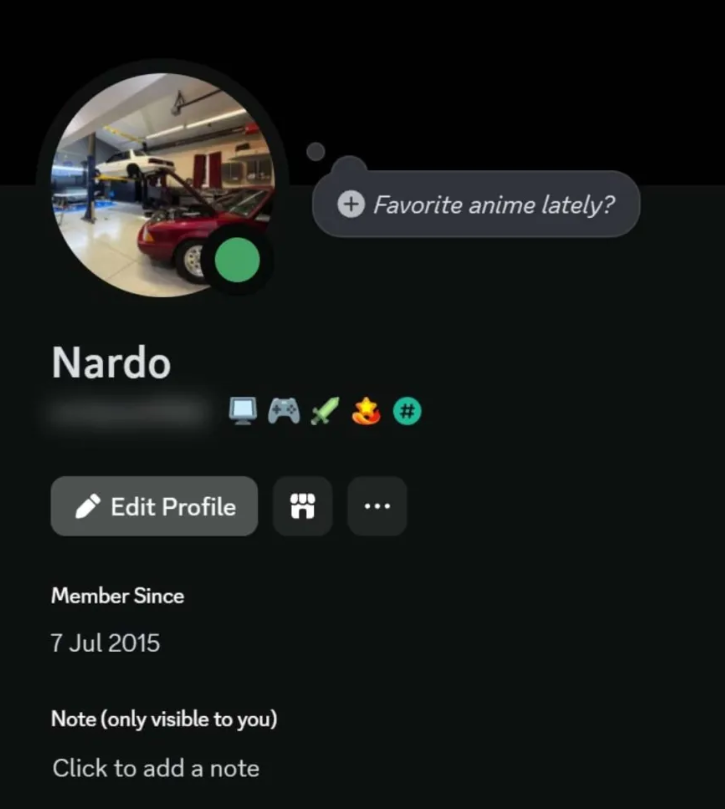
Turn on Developer Mode, copy the account's user ID and decode it with a snowflake date tool. Discord IDs count milliseconds from the start of 2015, so the date can't be edited. A real account will decode to May 2015 or later.
What does 2015 to 2019 mean in a title?
The seller is offering an account created at some point in that span, so the year you get is not fixed. If you need 2015 specifically, pick a listing that names 2015 alone.
Do 2015 accounts come with badges?
Some listings bundle a badge, which the title will mention. Account age and badges are separate things.
Can I change the email and password?
Listings marked full access hand over the email login, so you can change both after delivery.
Payment, delivery and refunds for every order: FAQ, Reviews and Refund Policy.
Guides for Discord
 Discord Account Creation Date: How to Find It ExactlyEvery Discord user ID hides the exact second the account was made. Here is how to read account age on a profile, copy an ID with Developer Mode and decode it yourself.Read guide →
 How to Change Your Discord Email on Desktop and MobileChanging your Discord email takes a minute if you can still open the old inbox. Here are the desktop and mobile steps, the safety email, and fixes for every common error.Read guide →
 Discord 2FA: Setup, Backup Codes and Lockout RecoveryDiscord supports passkeys, authenticator apps and SMS for 2FA, but backup codes are what save you. Setup steps, recovery options and where Discord asks for codes later.Read guide →