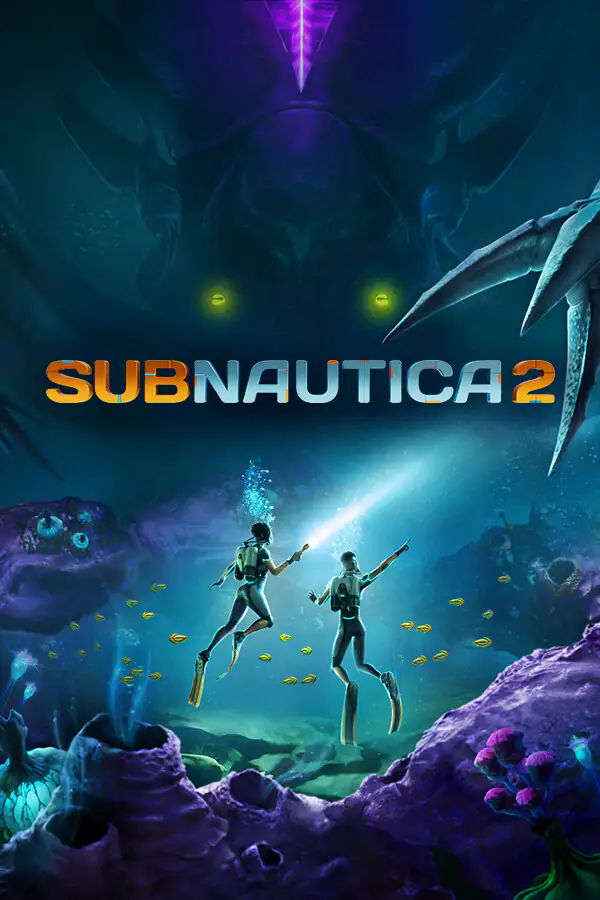
Subnautica 2 boosting services — quick guide
This hub lists Subnautica 2 boosting services in one place—survival QoL, inventory upgrades, resource picks, and blueprint unlocks for Steam, Epic Games, Microsoft Store, and Xbox players who want less friction underwater.
What Subnautica 2 boosting services are listed here?
This hub collects Subnautica 2 boosting-style offers for PC and Xbox ecosystems (Steam, Epic, Microsoft Store, Xbox). Open any product for hunger/oxygen/water handling, inventory and toolbar tiers, resource bundles, blueprint coverage, and platform notes.
- Steam, Epic Games, Microsoft Store, and Xbox listings when stated on each product
- Survival QoL, inventory, resources, and blueprint scopes spelled out per listing
- Account handover or login flow described on the product page—confirm before you pay
- Contact support if you are unsure which package matches your launcher
How do I choose the right package?
Start with your goal and budget, then read each product card and details page. If you are unsure, use Contact and we will point you to the best fit.
Why players use Subnautica 2 boosting services
Subnautica 2 focuses on exploration and crafting under pressure—managing hunger, hydration, and oxygen while juggling blueprints and storage. Subnautica 2 boosting services on this page bundle practical upgrades so you can spend more time mapping biomes and less time juggling meters or grind loops. Each listing should confirm platforms (Steam, Epic, Microsoft Store, Xbox), what is changed on the account, and how handover works after checkout.
Match the listing to your store and edition
PC players may use Steam, Epic Games, or the Microsoft Store; console players may use Xbox. Edition, launcher, and sign-in method can all change how a boost is applied. Read the product page for explicit compatibility. If you are unsure, use Contact before purchase so we can confirm the right Subnautica 2 boosting option.
Policies, reviews, and support
Use the site FAQ and reviews for general policies and buyer experience. For listing-specific questions—timing, scope, or platform—message us through Contact so we can help you choose the right Subnautica 2 boosting service.