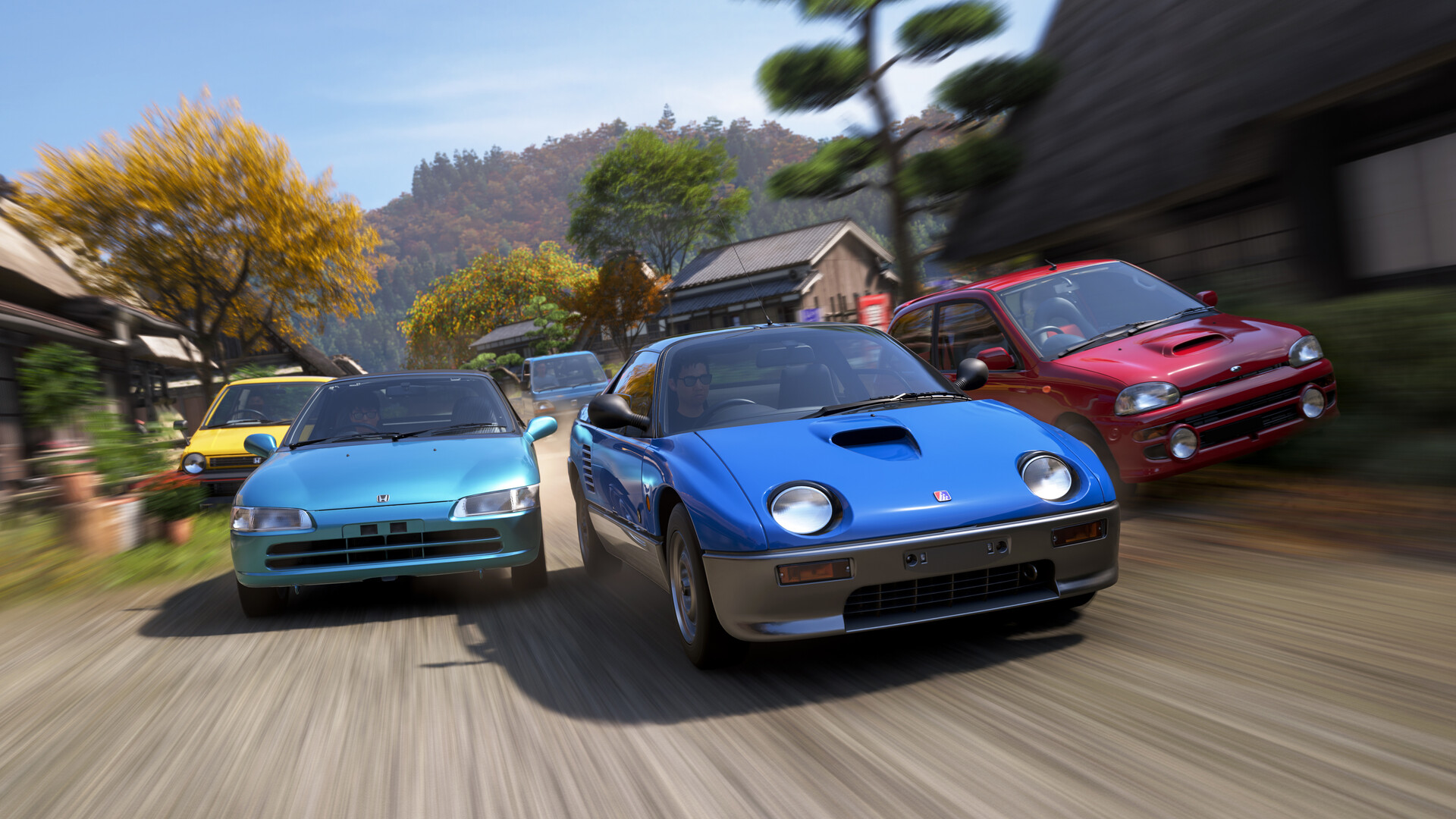
Searches like FH6 best settings, Forza Horizon 6 PC optimization, or controller vs wheel FH6 explode after launch because Horizon is both arcade-accessible and precision-hungry at the limit. Settings are not cosmetic: deadzones change trail braking repeatability, frame pacing changes muscle memory, and wheel force feedback changes how you sense understeer. This extended article walks through input tuning, graphics tradeoffs on PC and console, expandable notes on VRR/latency, and sanity checks for Steam versus native console builds—without turning your hobby into a spreadsheet disease.
Controller fundamentals: linearity and purposeful deadzones
Inner deadzones too high hide micro corrections; too low cause ghost drift on worn sticks. Increase outer saturation carefully if you need calmer highway cruising without wrecking trail braking nuance. Whatever you pick, leave settings alone for a week once they feel “good enough”—constant tweaks reset muscle memory.
Wheel basics: learn the car, not the rumble
Start with moderate overall strength so kerb buzz does not mask slip angles. If you clip force so hard that the wheel goes numb at peak load, you lose understeer telemetry. Revisit default profiles per class: rally-style damping preferences differ from low-speed grip builds.
Motion blur, depth of field, and clear sight lines
Cinematic blur during racing can look gorgeous yet smear apex detail. If you chase Rivals, favor visibility over flair—you can re-enable flair for photo sessions. DOF in motion rarely helps reaction time.
PC frame caps, fullscreen, and background apps
Background capture tools, browser GPU tabs, and aggressive overlays inject stutter. Test with a clean boot session if frametime graphs wobble. Cap frames slightly below your monitor ceiling if you need steadier pacing; raw FPS flex is less valuable than consistent dt.
HDR, contrast, and crushed shadows
If night stages feel unfair, adjust in-game gamma or display tone mapping before blaming physics. What looks “cinematic” may hide potholes you need to read for braking.
Cross-platform expectations without tribal wars
Xbox Series, PS5, and PC can all produce excellent play—each has different OS-level latency and VRR behaviors. Choose the platform you can maintain calmly; chasing marginal advantages matters less than sleeping enough to steer straight.
Audio as a setting people overlook
Tire scrub, gearbox whine, and limiter tones teach timing. If you bury audio under music for playlists, fine—but consider a lower music duck while learning new cars. Your ears catch slip before your eyes on some surfaces.

Accessibility settings that help everyone
Subtitle sizes, high-contrast UI skins where available, vibration toggles, and remappable controls matter beyond checkbox compliance. If text prompts strain your eyes during long seasonal nights, bump UI scale before you blame “bad design”—small changes reduce fatigue that quietly drains pace.
Benchmark sanity: one repeatable route
Pick a short free-roam loop with mixed conditions and run it after every settings change. Without a standard route, you chase ghost improvements. Write average FPS or frame-time notes if you geek out on numbers; otherwise judge smoothness holistically across three laps.
Peripherals: cables, hubs, and the boring fixes
Wheel disconnects sometimes trace to underpowered USB hubs or loose quick-releases—not mythical driver ghosts. Before reinstalling games, swap ports, simplify the chain, and test with another cable. Boring fixes solve more than Reddit threads admit.
Audio mixes for competitive versus chill play
Create two saved EQ or volume profiles: one prioritizes tire and surface cues, another lifts music for cruising photography. Switching profiles beats manually sliding five faders every session. Small friction reductions improve adherence to healthy play routines.
Streaming while racing: bitrate vs. stability
If you broadcast, cap game settings conservatively; encoder load plus chat overlays competes with frame pacing. Test offline first, stream second.
Ergonomic posture and hand health for long festival nights
Wrist angle on wheel bases and shoulder elevation on pads influence reaction time more than people admit. Stretch between playlist chapters; stand during downloads. Chronic discomfort degrades inputs before conscience registers tilt.
Thermal and power hardware hygiene for summer sessions
Clean dust filters, verify case airflow, and mind laptop vents on cushions. Thermal throttling mid-race manifests as micro-stutters easily misattributed to “bad netcode.” Hardware maintenance is an FPS strategy.
Blue-light and eye strain mitigation
Night mode sliders help some players; others prefer prescription lenses. Dry eyes blur apex details—use artificial tears judiciously if doctors approve. Health tweaks are performance tweaks.
Controller battery and connection pre-flights
Low batteries introduce input lag illusions; charge before ranked nights. Wireless congestion matters in apartment complexes—wired pads or dongles solve mysteries science favors.
Mental load and decision fatigue
Complex menu tweaking after work drains executive function. Batch settings changes Saturdays; play Sundays. Separation preserves weekday joy.
Parting thought: comfort is pace
Uncomfortable seating and eye strain cap your ceiling before physics does. Invest in physical ergonomics alongside digital sliders—your body is part of the feedback loop.
Night-mode uniformity across devices
If you switch between desktop and handheld remote play, align brightness curves roughly so muscle memory for contrast cues transfers. Jarring jumps retrain eyes slower than tracks.
Community settings forums: read, then verify
Aggregated settings posts shortcut research, yet copy/paste configs ignore your unique display and peripherals. Treat forums as hypotheses you still A/B on your rig.
Keep a one-page “known good” baseline snapshot after major patches; restores become painless when updates shuffle defaults unexpectedly.
Small wording reminder: label snapshots with patch version numbers so you never wonder which file was pre-nerf.
Related Forza Horizon 6 guides
Disclaimer
Exact menu strings differ by platform build; map recommendations to the closest equivalent on your device.