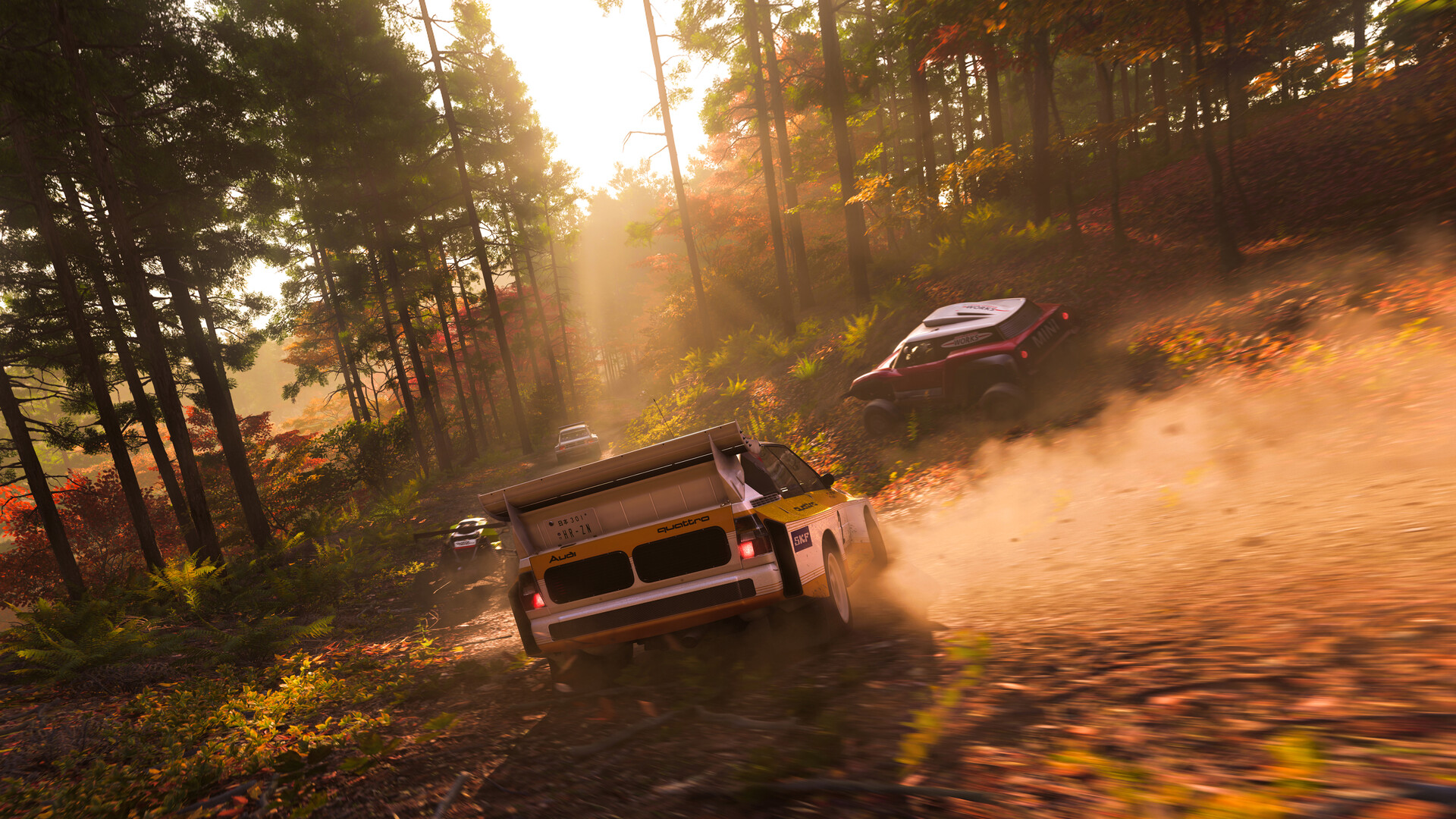
Forza Horizon 6 photo mode is half performance art, half technical craft. The same scene can look flat or cinematic depending on shutter discipline, exposure choices, and whether you bothered to scrub replay cameras. Liveries add another layer: at thumbnail scale on leaderboard rows, clean geometry beats noisy gradients. This extended guide covers scouting, replay workflow, lighting strategy, and quick expandable tips for vinyl painters who want faster iteration without drowning in layer spam.
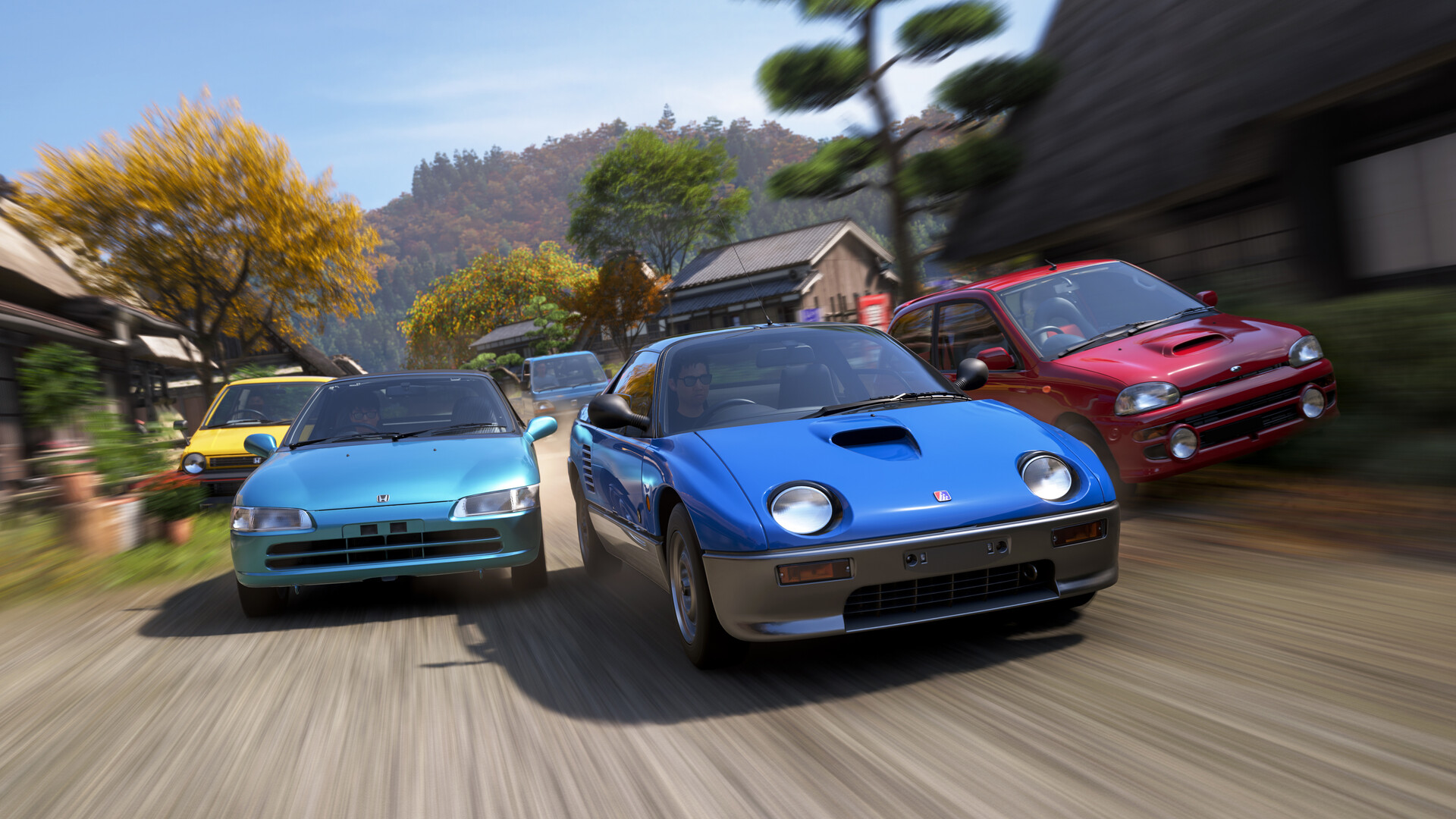
Scout in free roam, execute in replay
Attempting photo compositions while racing invites crashes and missed apexes. Instead, drive cleanly once, bookmark the segment mentally, then open replay with UI hidden. Scrub slowly through braking zones where dust, tire smoke, or neon reflections peak. Photo mode rewards patience: the best frames often sit two seconds after the moment you instinctively wanted to smash the shutter.
Shutter, aperture, and motion blur—what to tweak first
Beginners often crank blur because it “looks cinematic,” then wonder why license plates read like soup. Treat motion blur as a function of speed narrative: drifting shots can tolerate more wheel blur than static hero portraits. Low shutters exaggerate energy; high shutters freeze detail. If you cannot explain why a slider moved, undo it—good habits come from intentional changes tied to a reference frame.
Time of day, metal highlights, and carbon readability
Golden hour paints body lines; harsh noon blows out highlights on glossy wraps. Storm fronts add drama but increase noise—dial contrast carefully, especially on HDR panels. If colors clip, pull exposure before you touch saturation; saturation lies about “pop.”
Livery layers: rename, group, and duplicate before risky merges
Treat groups like folders: left-side motifs mirrored deliberately, not accidentally. Duplicate a layer group before boolean-style merges so you can walk back mistakes. Name layers by panel—door L, roof center—or you will lose hours hunting hidden vectors later.
Exporting for social feeds vs. desktop wallpapers
Social feeds crop aggressively; center critical subjects and leave headroom. For desktop wallpapers, wider compositions and conservative UI clutter matter. Always re-open exports at 100% magnification to catch compression artifacts before posting.
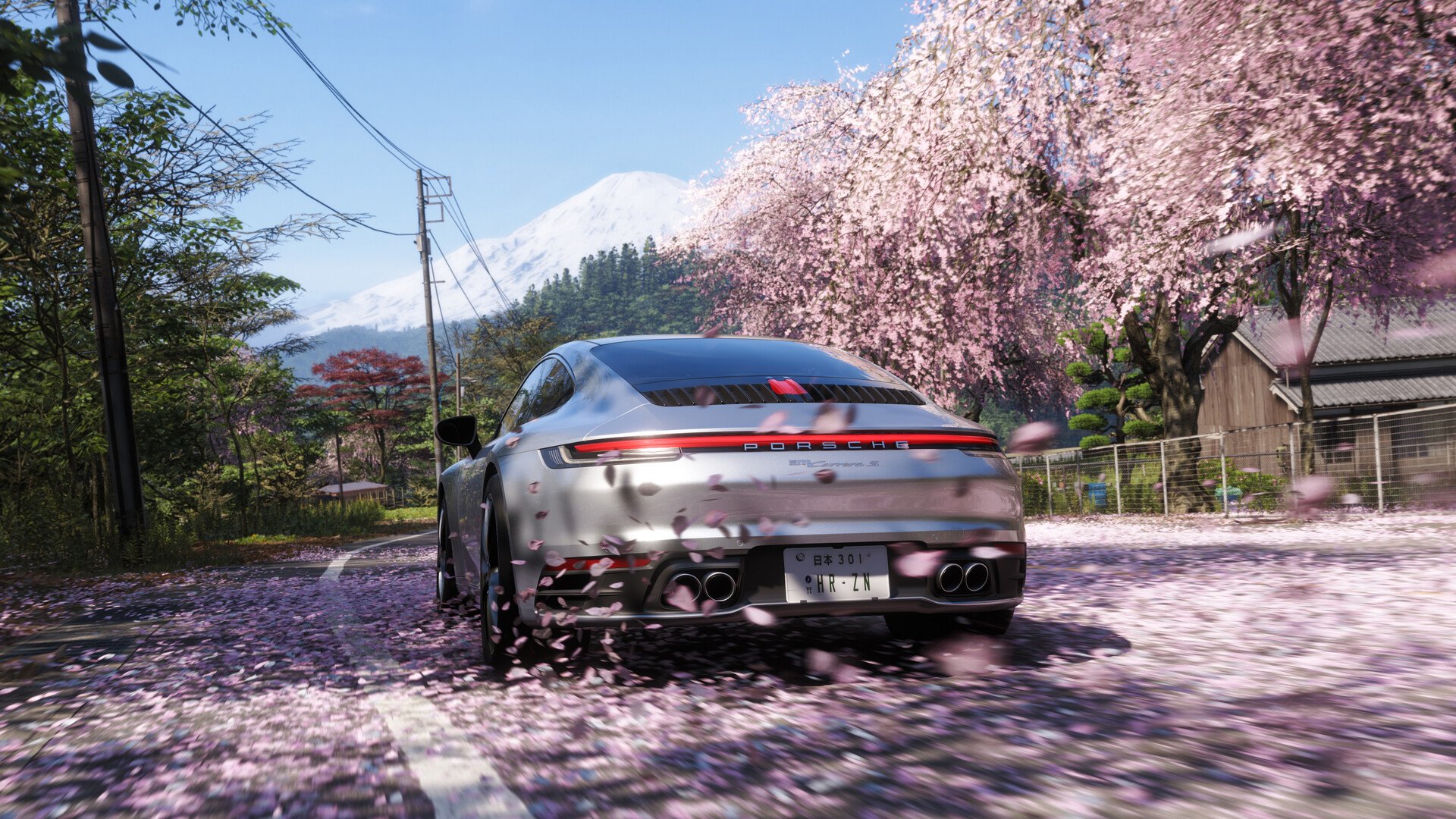
PC performance realities while scrubbing replays
Scrubbing high-fidelity replays on PC—whether via Microsoft Store or Steam—can spike GPU load. If frames hitch during slow camera pans, temporarily reduce crowd density, reflection quality, or motion blur quality depending on your bottleneck. Stable pacing matters: stutters during capture ruin perceived motion continuity even if the final still looks fine.
Liveries and “brand legibility” at distance
Complex gradients often muddy at distance; bold shapes and high-contrast edges read better in convoys. Test your wrap in snowy or night scenes, not only showroom lighting. Ask a friend to screenshot your car from their camera—third-party readability reveals problems your editor preview hides.

Color-managed workflows for serious creators
If you post across platforms with different gamma assumptions, export sRGB-safe versions and view them on at least two displays when possible. What pops on OLED may crush on budget IPS. Keep a “web preview” folder of crops at typical social resolutions; tiny UI compression loves to destroy gradients you spent hours refining.
Batching creative sessions to protect driving sessions
Painting for three hours before racing tints your perception of contrast and fatigue. Split days: creative evenings versus racing mornings, or vice versa. Your eyes—and your lap consistency—will thank you.
Studying real motorsport liveries without plagiarizing
Use legacy race schemes as proportional inspiration, not trace-over templates. Abstract shapes, stripe rhythm, and negative space matter more than copying sponsor layouts pixel-for-pixel. Horizon communities appreciate homage with a twist more than outright duplication drama.
Shot list template for long-form Horizon photography essays
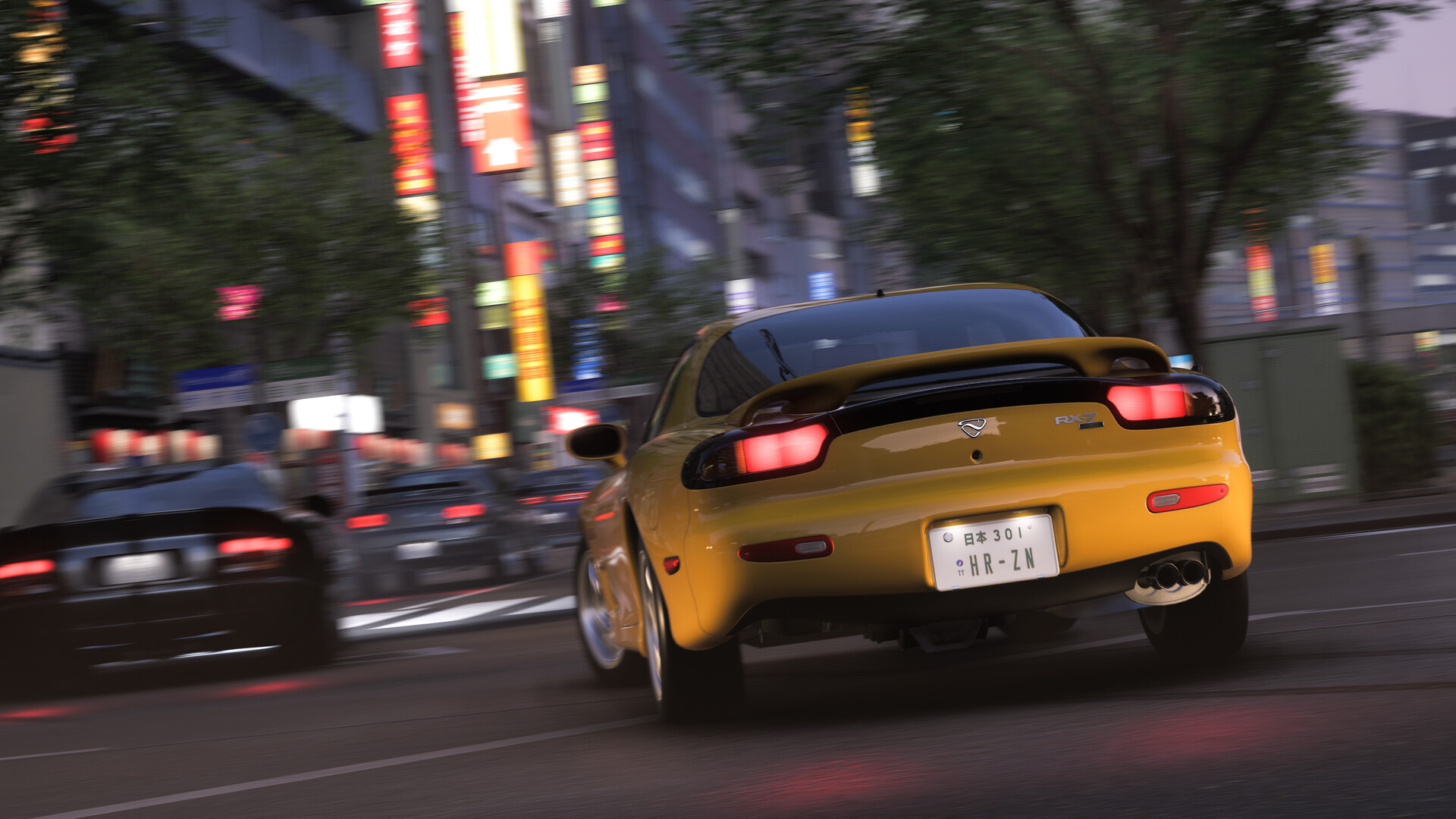
Professionals pre-visualize frames. Borrow their habit: write a tiny shot list—wide establishing, tight headlight portrait, panning rear three-quarter, interior dash detail, reflective puddle low angle. Tick boxes as you capture; it prevents noodle sessions that yield hundreds of similar images. When curating for blogs or social threads, cap your favorites at ten images to force ruthless editing; audiences engage more with tight sets than exhaustive dumps.
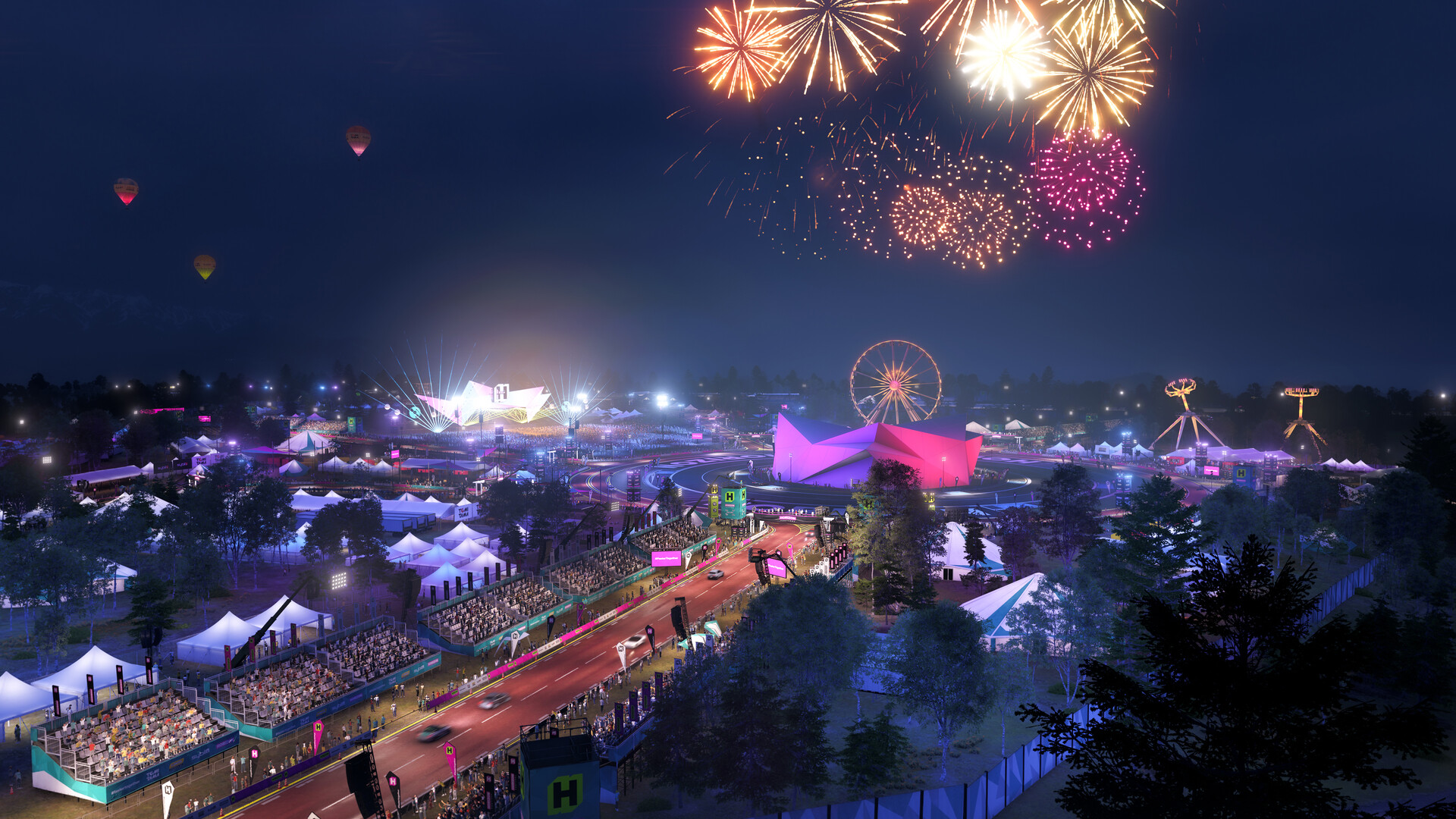
Collaborating with other creators without creative burnout
Joint shoots fall apart when communication is vague. Agree on location, car palette, and credit tagging before anyone launches the game. Rotate who leads composition versus who drives; both roles tire different skill muscles. Debrief briefly after the session while memory is fresh—five sentences of critique beats silent resentment.
Metadata hygiene for archives
Rename exported files with dates, car names, and map regions. Future you will search archives; ambiguous filenames become orphan masterpieces lost on disks. If you post across platforms, duplicate safe copies in a dated folder before aggressive compression strips quality.
Archiving “safe states” before risky experiments
Before radical livery merges or drastic photo mode LUT experiments, mentally commit to a rollback plan: duplicate groups, export interim PNGs, or screenshot slider values. Creative work rewards boldness, but boldness without checkpoints produces all-nighters spent reconstructing a happy accident you can no longer reproduce.
Ethical guardrails for public sharing
Avoid hateful symbols, deceptive impersonation liveries, or real-world trademark misuse that could trigger moderation. When uncertain, abstract the reference. Protecting your account is part of sustaining a long creative hobby; losing access over an edgy joke is a terrible ROI.
Closing thought: taste is trainable
Curation improves faster than raw technique when you study cinema framing and real automotive photography between sessions. Steal principles, not pixels—your eye for composition matures with deliberate-looking homework, not endless in-game shutter mashing alone.
Related Forza Horizon 6 guides
Disclaimer
Tool naming and menu layout may shift between patches; re-map advice if a slider moves or merges with another control.