When people ask whether a Shinobi Striker modded save is safe, they usually mean the file. The bigger question is the account. Our PlayStation saves are applied by a technician who signs in to your PSN account and puts the save directly onto your profile, so most of your safety comes down to how you handle that sign-in before, during and after the order.
This is a practical checklist for PS4 and PS5 players. It will not make modding risk-free, and nothing honestly can, but it closes the gaps that actually lose people their accounts.
What the store needs, and what nobody should ask for
For a Shinobi Striker order, the store needs three things: your platform (PS4 or PS5), the sign-in details for the PSN account that should receive the save, and an active PlayStation Plus membership on that same account. A membership shared from another user on the console does not count. The game itself must already be on the account, because only the save file is sold.
That list is short on purpose. No save service needs the password to the email inbox behind your PSN account, your card number, or access to your other games' accounts. Anyone who asks for those is not delivering a save; they are collecting the keys to recover your account later.
Before you order
Start with a password you have never used anywhere else. If your PSN password is shared with an old forum or email account, a leak elsewhere already exposes you, and handing it to anyone makes that worse. Change it to something unique first, then use that one for the order and retire it afterwards.
Next, protect your wallet. PlayStation lets you require a password at checkout and remove saved payment methods, and both are worth doing on any account you share with someone else, even briefly. While you are in the settings, confirm that the email address on the account is one you can still open, because that is your recovery route if anything goes wrong.
Finally, back up your current Shinobi Striker save to a USB drive. On a PS4 that lives under Settings, Application Saved Data Management; on a PS5, under Settings, Saved Data and Game/App Settings, Saved Data (PS4), because Shinobi Striker is a PS4 game. A backup costs two minutes and gives you a way back to your old profile.
| When | Action | Why it matters |
|---|---|---|
| Before | Set a unique PSN password | A reused password is the most common way accounts get stolen |
| Before | Require a password at checkout, remove stored cards | Shared access should never mean shared spending |
| Before | Copy your current save to USB | Lets you return to your old profile |
| Before | Check PS Plus is active on this account | The listing requires it; shared PS Plus will not work |
| During | Leave the game closed until confirmation | Avoids your console uploading an old save mid-order |
| After | Change the password, refresh backup codes | Ends any access you no longer need to give |
Two-step verification without getting locked out
If you use two-step verification on PSN, and you should, a new sign-in will ask for a code. Do not switch it off to make the order easier. Instead, agree a time with support through your order conversation so you are around to pass on the code, or share a single backup code and generate a fresh set afterwards so the one you shared stops working.
Keep every exchange inside the store's channels: the order email thread, the contact form or the official Discord linked on the product page. A code sent to a random direct message is a code you cannot trace later if something goes wrong.
During and after the transfer
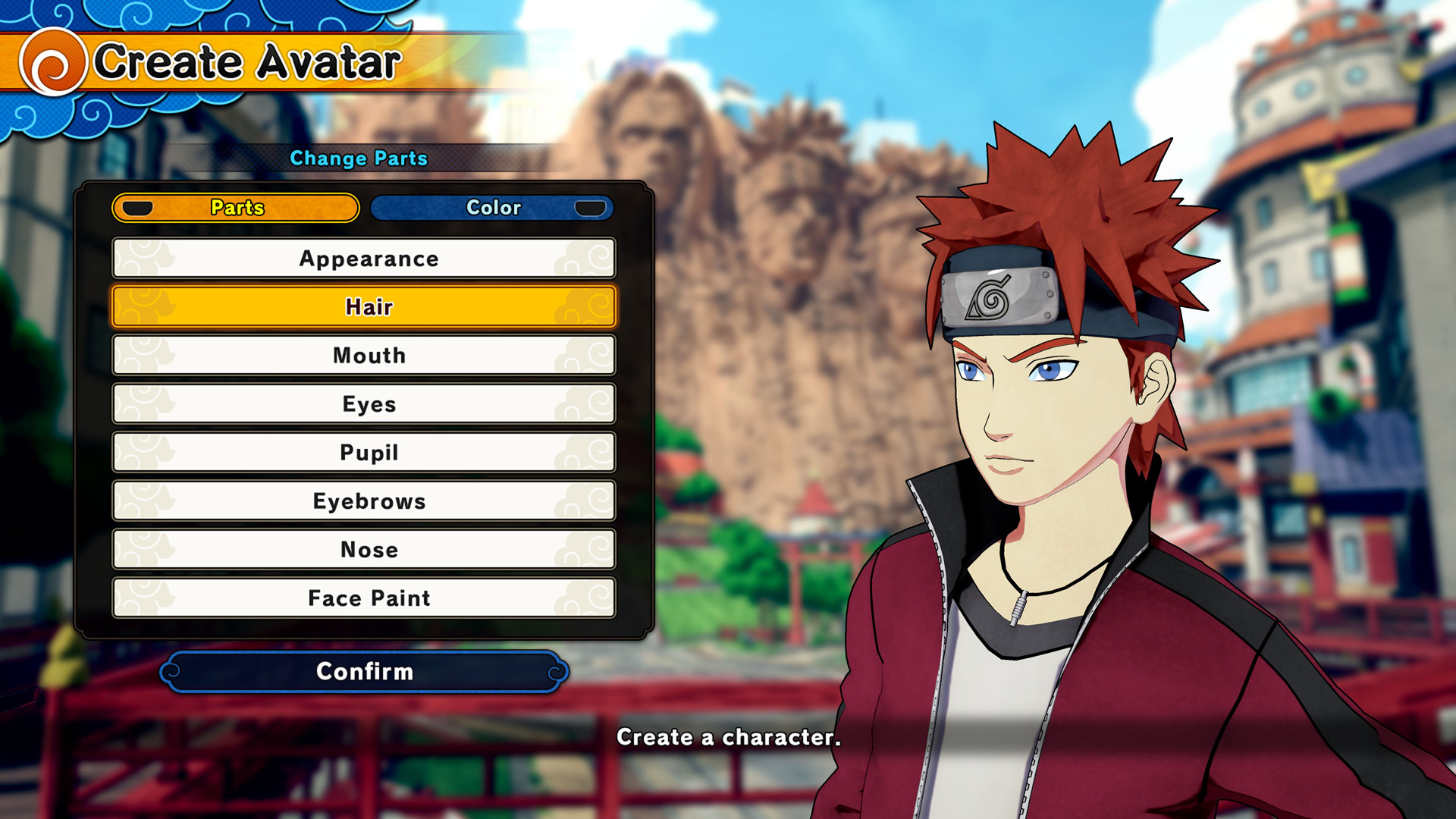
Once the order is in progress, leave Shinobi Striker closed. If your console launches the game and syncs an older save while the new one is being applied, you can end up with a mismatch that needs a second pass. Wait for the confirmation message that the save has been applied, then start the game and check your avatar, jutsu list and wardrobe against the listing.
When everything looks right, change your password and refresh your backup codes. That single step ends any access you shared for the order. If something is missing, contact support straight away with your order details rather than trying to fix it yourself; the USB backup you made earlier means you are never stuck either way.
Risks a checklist cannot remove
Modifying save data breaks PlayStation's rules, and Bandai Namco does not publish how it reviews Shinobi Striker accounts, so no seller can truthfully promise zero risk. What you can control is visibility. An unlock on your own profile used in VR missions and private rooms draws far less attention than an avatar firing endless ultimates in ranked. Our ban risk guide covers that side in depth.
Be equally wary of shortcuts that look cheaper. Free save downloads, account swaps and sellers who only take gift cards are the routes that end with a stolen login. The scams guide lists the patterns to watch for.

Ready to order
Both saves, the unlock-all save and the Jiraiya Prestige 25 save, are on the Shinobi Striker hub at $50 each. Work through the checklist above first, then use the transfer guide to see the order from checkout to confirmation.
Frequently Asked Questions
Do I have to share my PSN password?
Yes. The listing explains that the store signs in to your account and applies the save to your profile, which needs your sign-in details. That is why you should use a unique password for the order and change it once you have confirmation.
Should I turn off two-step verification for the order?
No. Keep it on and either pass a code to support at an agreed time or share one backup code, then generate a new set afterwards. Turning protection off leaves the account exposed for longer than the order needs.
Why does PS Plus have to be on my own account?
The product page requires an active PlayStation Plus membership on the account being modified and says shared PS Plus will not work. The listing does not go into the technical reason; just make sure the membership belongs to the account receiving the save.
Can I play while the save is being applied?
Other games are fine, but leave Shinobi Striker closed until you receive the confirmation. Launching it mid-order risks your console syncing an older save over the new one.
What if my profile does not match the listing afterwards?
Contact support with your order details before you play online. Describe what is missing, such as a jutsu category or the scroll count, so it can be checked. Your USB backup also means you can always return to your old save.
Do I need to be available while the order is processed?
Mostly you need to be reachable. With two-step verification on, a code is needed when the technician signs in, so watch the order thread around the time you agreed and reply promptly.